

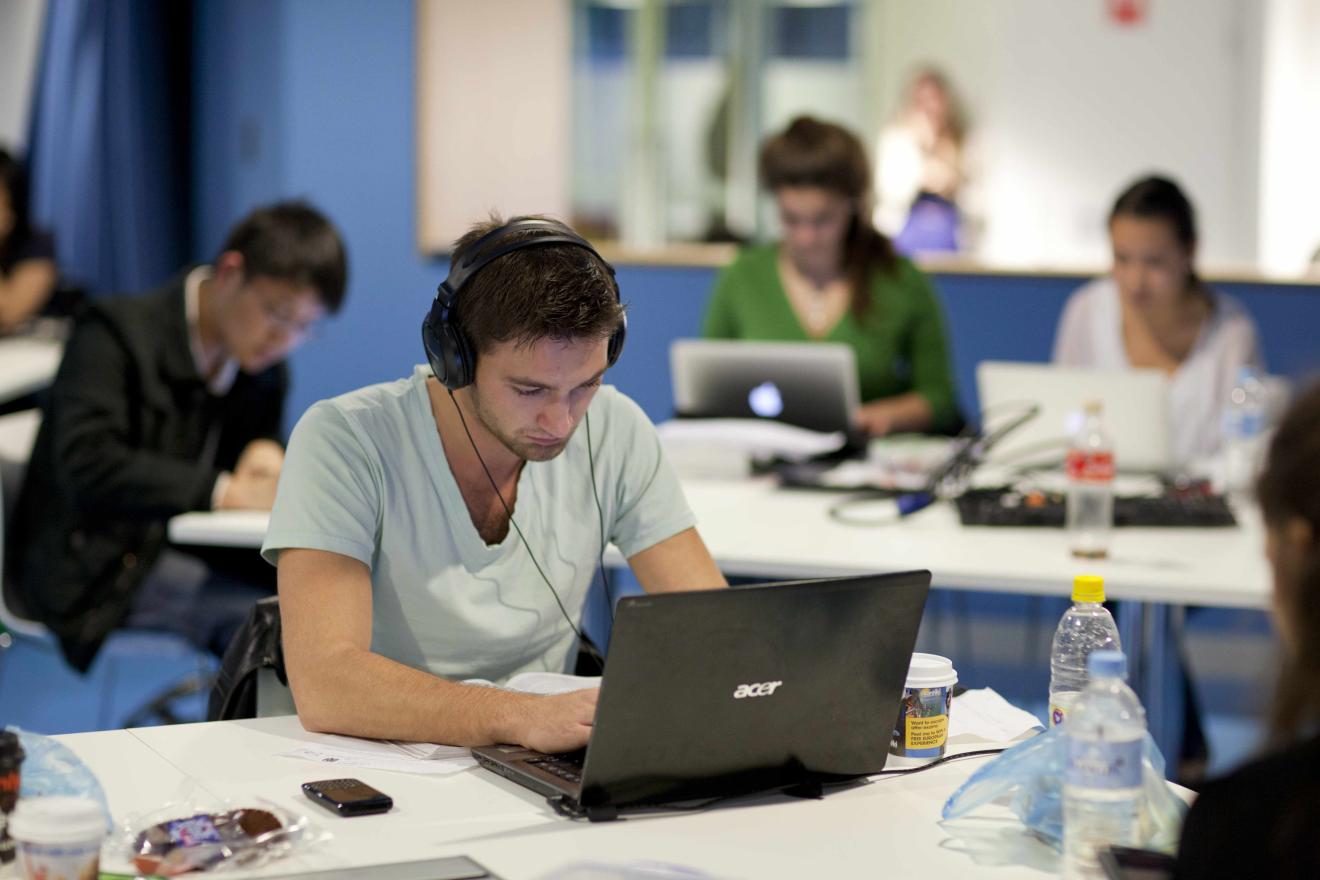
Accessing electronic material (Building 5, Block A 'sandpit')
Lecturer: Faculty: Project: Keywords: | Dr Sophie Riley invites Law students to demystify legal concepts by creating online learning materials for themselves and their peers. What the project is aboutAlthough the Faculty of Law has a long-established practice of requiring students to do specific preparation for classes, the use of technology to create student-developed materials adds an enhanced dimension to the process. It not only uses a form of communication students can relate to, but also gives them the opportunity to explain principles and concepts for the benefit of their peers – something they will often be required to do in practice. Why the project is being introducedWith the increased popularity of electronic media, students are increasingly turning to electronic materials to study. Dr Riley believes that by having her students create electronic materials themselves, they’ll have the responsibility of sourcing, understanding and analysing information for learning materials. This student-led learning approach allows students to hone their communication skills for diverse audiences and situations and enables them to consolidate their own understanding of concepts.
The student-led learning activities and materials ask each student to produce:
As students complete their materials, they send them electronically to Dr Riley to review and upload onto Blackboard. Accumulated over time, these materials produced by students for students are stored on Blackboard to create an online library of resources. Challenges and considerationsDr Riley and her students experienced some technological issues with UTSOnline (Subjects are now taught in Canvas) – in particular, difficulties with file uploads or image resolution. In light of this, Dr Riley recommends understanding the technological limitations of your platform before embarking on such a project.
Exploring further |