

Tips for printing
- Save your file as a PDF.
- Don't print pages with long file names, eg web pages.
- Save your document onto the desktop or documents folder before sending to print.
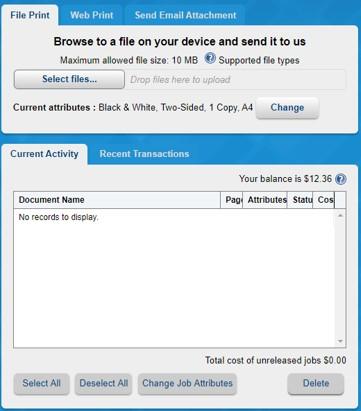
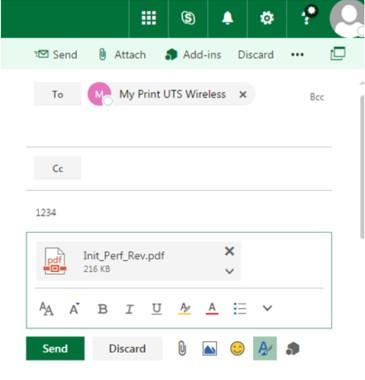
Submitting a print job
Releasing a print job
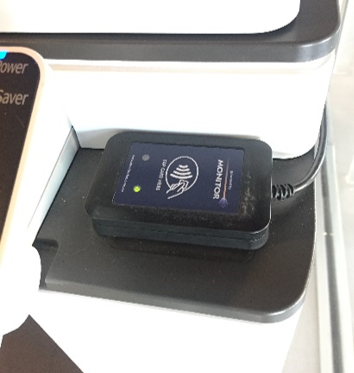
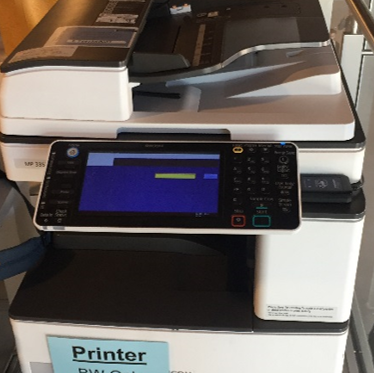
Once you have submitted your print job you can release it from the Cloud Print Queue at a Print Release Station or printer with an embedded ID card reader.
Need help?
If you need help with any of these steps or with your printing, please contact the Student Print Centre, the Digital Imaging Service or the IT Support Centre.