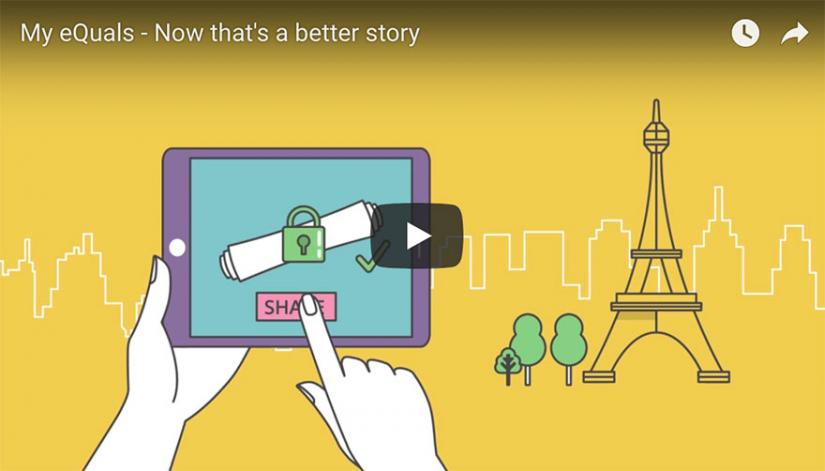
My eQuals is a secure and trusted provider of certified digital documents. It allows users to securely view their documents and share them with third parties, including employers and other universities.
At UTS, the following documents are made available via My eQuals (opens external site):
When your degree is conferred at the end of your study, you receive a copy of each of these documents. They will automatically be made available via My eQuals unless you specifically opt out. Academic transcripts are available for purchase at any time during your study.
- Digital Badge - issued to eligible UTS Open microcredential and short course learners.
How to access your digital documents via My eQuals
What documents can I access via My eQuals?
Frequently Asked Questions
Keen to know more? Check out our FAQ below. You may also want to check out the My eQuals Learner FAQs (opens external site).
Troubleshooting
Hard copy documents
Share documents securely
About My eQuals