
How to book
- Check the online calendar below to ensure the space is available at your desired time
- Review the bookable spaces below and choose which may be the best option for your event*
- Request a booking form using the form below
You will be notified of the outcome of your request within 1 week. If approved, you will receive an additional email with a calendar invite. If you have any questions or to cancel a booking contact studentlearninghub@uts.edu.au.
*If you are a student society, please contact ActivateUTS to organise booking the Hub. If you are a student looking to book the Hub outside of a society (i.e. counsel advertising) please contact studentlearninghub@uts.edu.au.

Spaces you can book
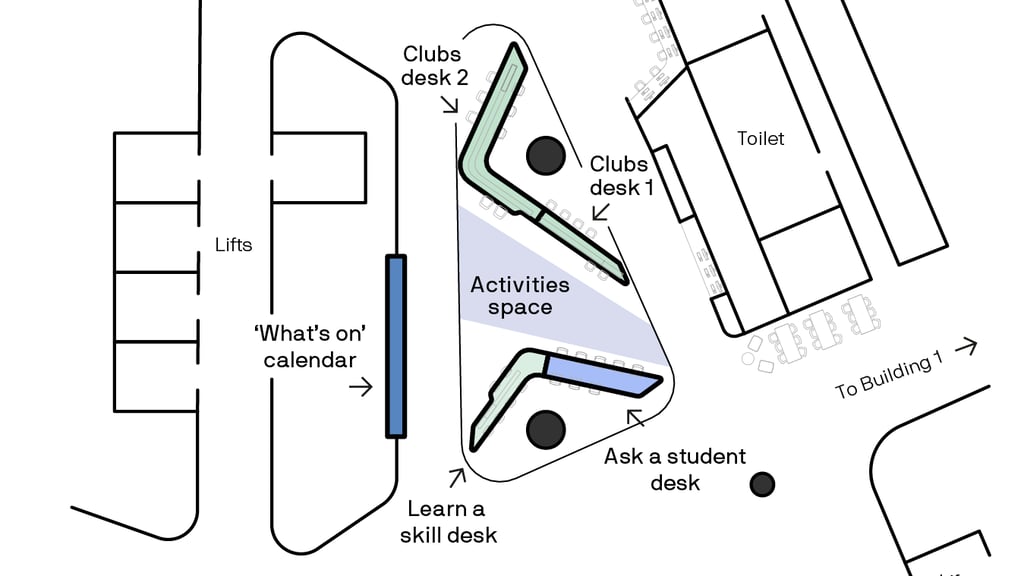
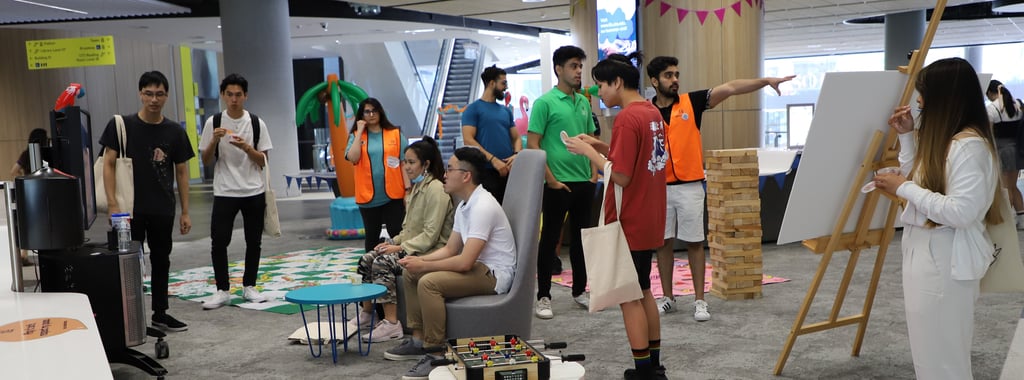
The Hub has 3 dedicated desks that can be booked throughout the year:
- Learn a skill desk
- Activities space
- Clubs desk 1
- Clubs desk 2
Other spaces such as the Ask a Student desk is utilised from orientation through to week 4 to deliver student-facing activities. When these spaces are not utilised by Library staff they are open for students to use. The spaces can be seen in the map below.