

Set up MFA with the Okta Verify app.

Okta Verify app
The MFA solution at UTS is the Okta Verify app:
- It is the preferred, simplest and easiest way to authenticate your identity (push a button rather than enter a code).
- Available on Google Play and Apple iOS app stores for compatible smartphones with an up-to-date version.
- Requires internet access for ongoing use.
- You can set up Okta Verify on many devices, this means you can verify from your phone, tablet and laptop.
First time set up guides
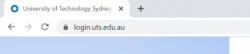
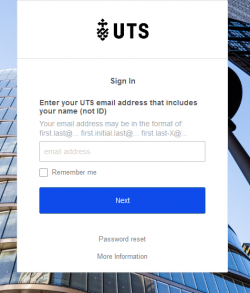
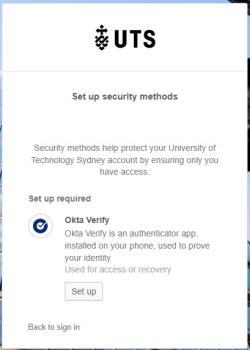
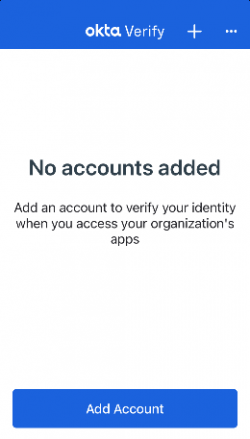
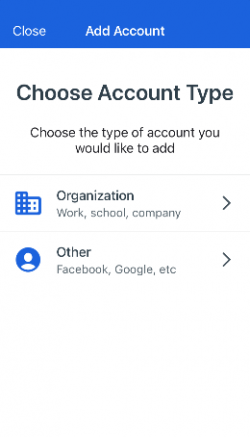
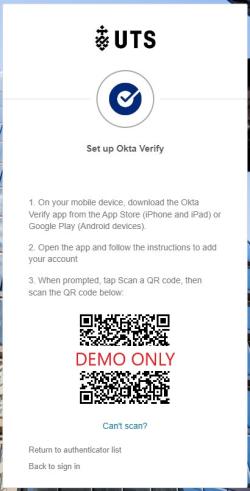
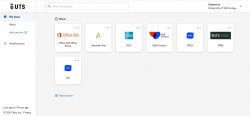
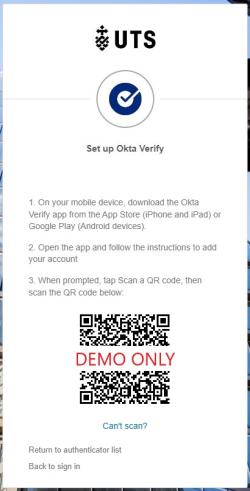
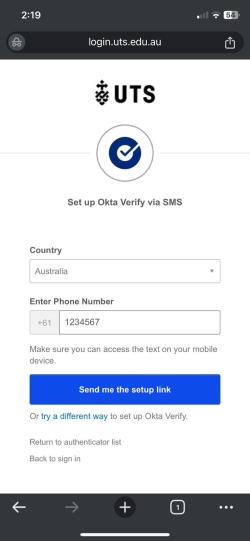
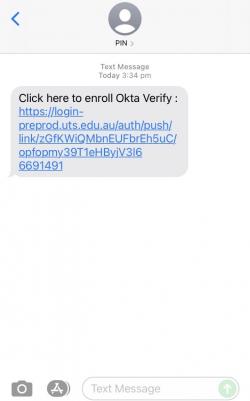
'MFA Factor Enrolled' notification

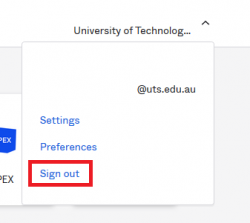
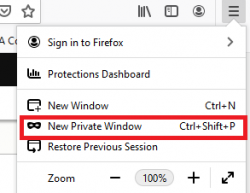
Managing multiple accounts
Need help with MFA?
Head to our 'MFA Help' page or reach out to one of our dedicated MFA Support Services:
Phone: IT Support on +61 2 9514 2222
Hours of operation during sessions:
- Monday to Friday — 8:00am to 9:30pm AEST/AEDT
- Saturday and Sunday — 9:00am to 5:00pm AEST/AEDT
Online: Log an enquiry via serviceconnect.uts.edu.au
On campus: You can contact IT Support by calling 2222 from an internal phone - internal phones are available from Security on Level 3 of Building 1, Broadway (the UTS Tower), from all classrooms, and other locations around UTS campuses.
IT Support Centre in-person help: CB10.02.212 Broadway
Hours of operation:
- Monday to Friday — 9:30am to 4:30pm AEST/AEDT