

New to Canvas? Learn how to log into Canvas at UTS, navigate the platform, find your subjects and use the app when on the go.
Get started with Canvas
When getting started, you should also ensure your notifications are on so that you don’t miss out on anything important!
Communication tools in Canvas
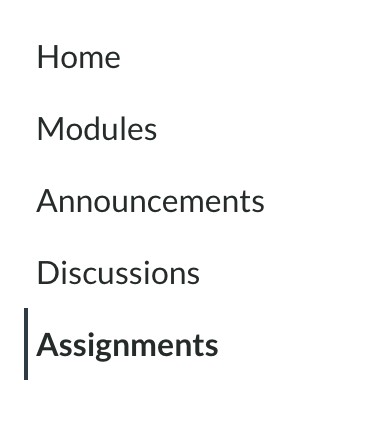
Canvas is your platform for all things learning at UTS. Your tutors may use Canvas to provide updates and announcements on subject content, class locations or assessments. You may also need to participate in discussion forums on Canvas.
Assessments in Canvas

For more information on how to use Canvas, head to the Canvas Community Student Guide (link opens in external site).
Are you teaching in Canvas? Head to the Education Express website for guidance on how to teach in Canvas.