

- Posted on 19 Jul 2017
- 1-minute read
The problem
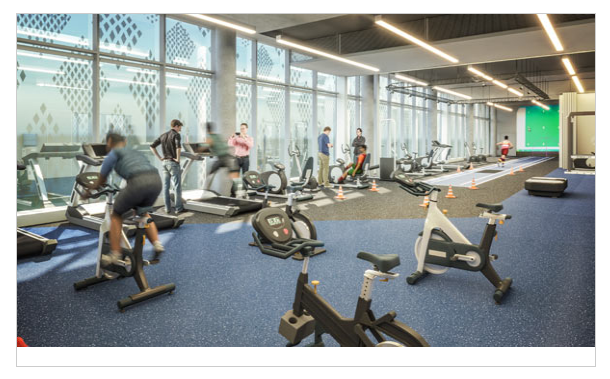
When uploading an image without a caption, a slightly longer border appears around the image.
The fix
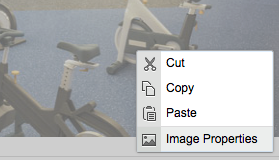
1. Right click the image to open the image properties box
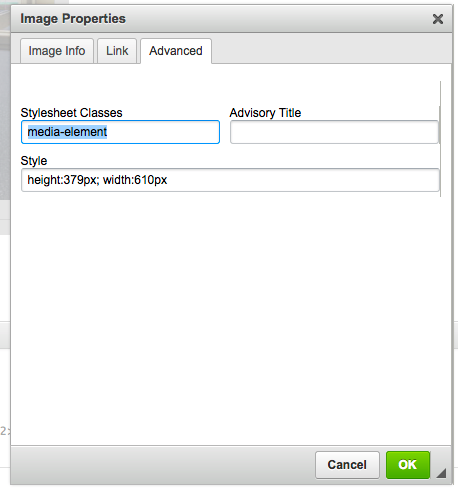
2. Go to the Advanced tab and delete the contents of the Stylesheets Classes field.
3. Save your work.
Our new responsive website is coming soon so this issue will be a thing of the past. For more information, visit responsive.uts.edu.au.